So you want to throw your archive into an LLM?
A menu of computational methods for collections and archives beyond LLMs.
By Chris Pandza on February 23, 2026
You have a big collection: perhaps hundreds of hours of interviews, thousands of images, and stacks of documents that have never been truly navigable. Someone at a conference, on your board, at a dinner party, or in your IT department says: “Have you tried putting all of this into a large language model?” And now you are here.
Organizations sometimes reach out to ask how to ingest their materials into a large language model (LLM). But after some probing, I find that an LLM is rarely what they are really looking for. Often they want to make a collection searchable, surface hidden connections, or make sense of an archive that has quietly outgrown anyone's ability to navigate it. These are real and solvable problems, but an LLM is rarely the right tool for the job.
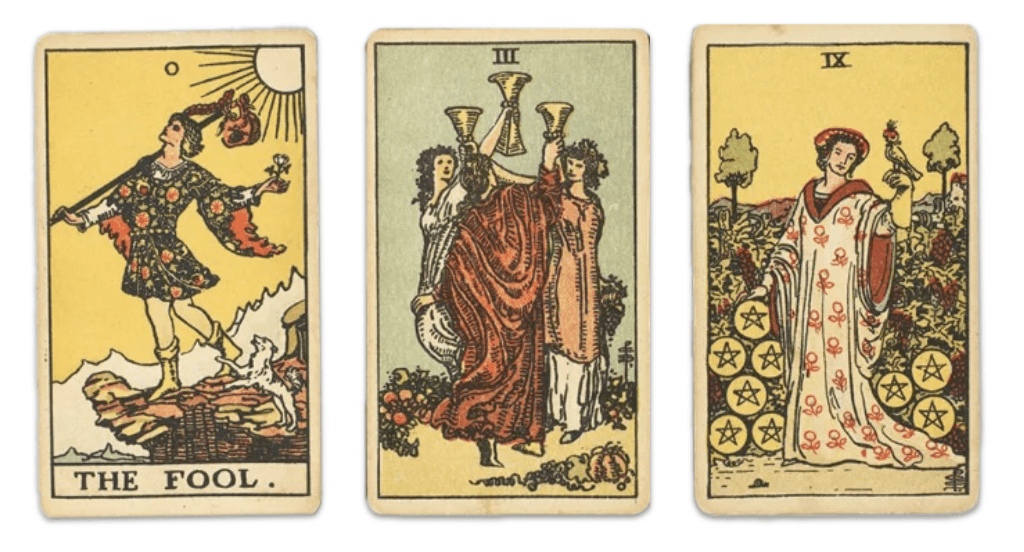
Talking to an LLM about your archive is a little like going to get your cards read (I say this with some authority and affection as the grandson of a Yugoslavian fortune teller).
At first it's exciting: in a process that feels like magic, an LLM synthesizes something surprisingly coherent about your materials. Look a little closer, and some of what you're encountering contradicts what you know to be true. Sometimes the synthesis is accurate but delivered in a generalized (or even offensive) way. Ask the same question twice, and you get a different answer. At a certain point we have to wonder: are these meaningful insights, or are we… hallucinating? Either way, you get a bill.
The public conversation about computational methods has collapsed around LLMs, when really, they are only one of many tools at our disposal—and almost never a panacea for meaningful work in collections and archives. To find the right methods, we should instead start with a simpler question: what do you want to be able to do with your materials?
Perhaps you want to:
Search your collection by meaning, not just keywords
Search and organize your images
Tag and organize a large collection by topic
Find every person, place, or organization mentioned across a collection
Label or describe a large number of things accurately and quickly
Connect different media types
What follows is a non-exhaustive menu of computational methods that have helped me make some remarkable archives more usable, accessible, and inexpensive to navigate.
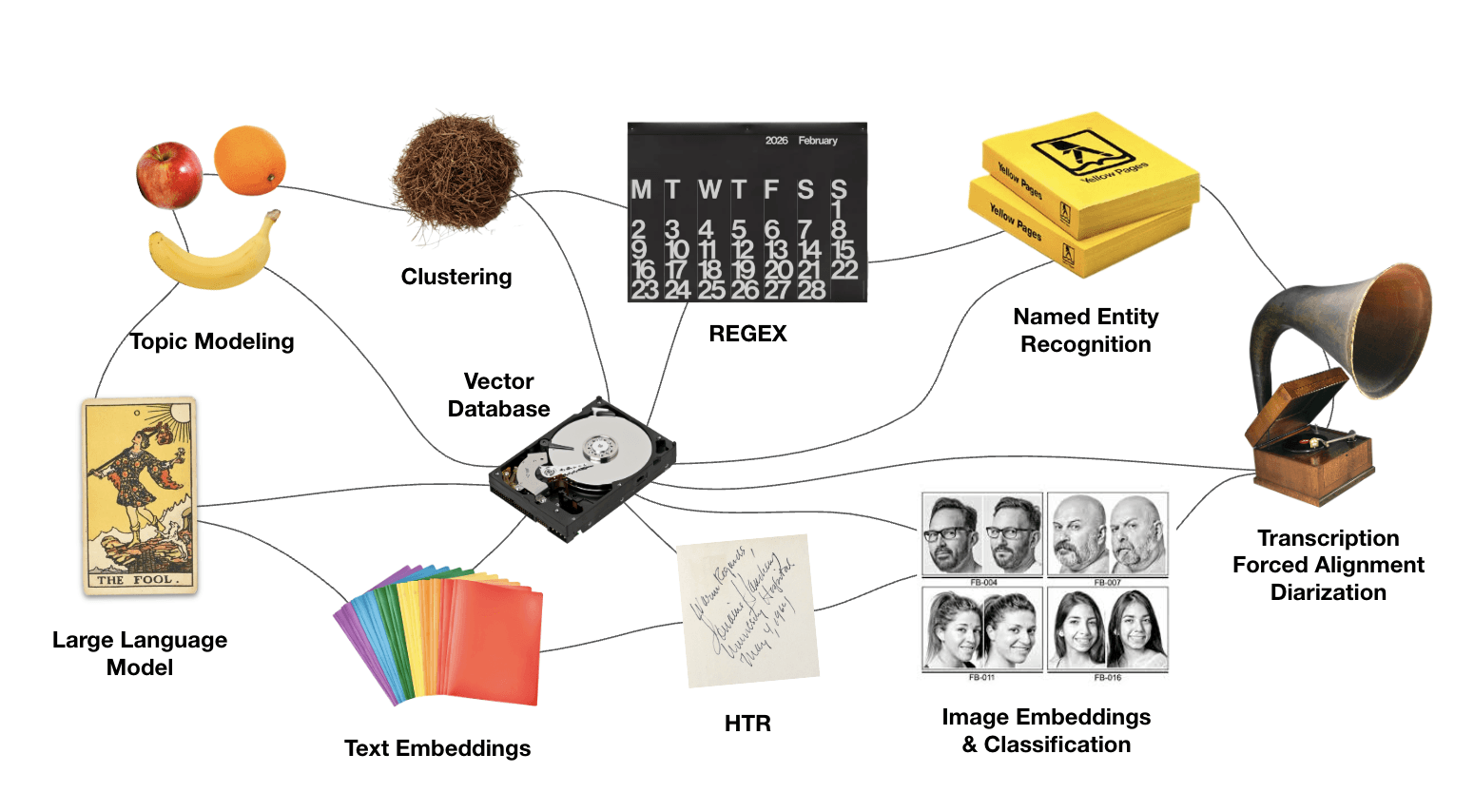
Searching collections by meaning, not just keywords

Text embeddings turn written documents into numeric representations that measure meaning: not just the words on the page, but what those words are about.
Embeddings allow us to compare documents to each other (powering things like recommendation engines) but also to search strings. Searching for “grief” might surface materials about loss, mourning, and absence—even if the keyword “grief” never appears in the surfaced documents.
Pairs well with: Vector databases (these store embeddings and make them searchable).
Watch out for: Embedding models reflect the biases of the materials they're trained on, which were probably not built with your collection in mind.
As seen in: Life Stories (case study)
Making images searchable
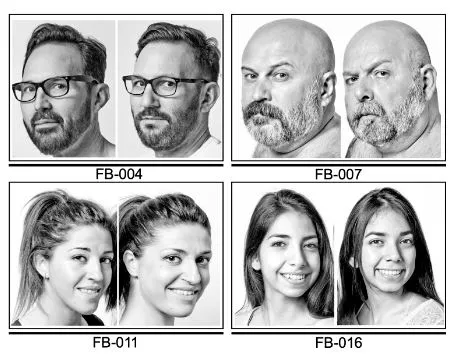
Images can be embedded, too! Image embeddings work the same way as text embeddings. Each image gets a numeric fingerprint that approximates its visual content, which means you can find similar images, group them by what's in them, and make them searchable—without manually tagging every single one.
However, when you have quality descriptive metadata, you can embed that alongside the image itself and get significantly better results than either approach alone.
Pairs well with: Human-written descriptions, alt text.
Watch out for: Image embedding tools can misread cultural context, misidentify people, and struggle with historical images that fall outside their training data.
Read more: Distant Viewing by Lauren Tilton and Taylor Arnold.
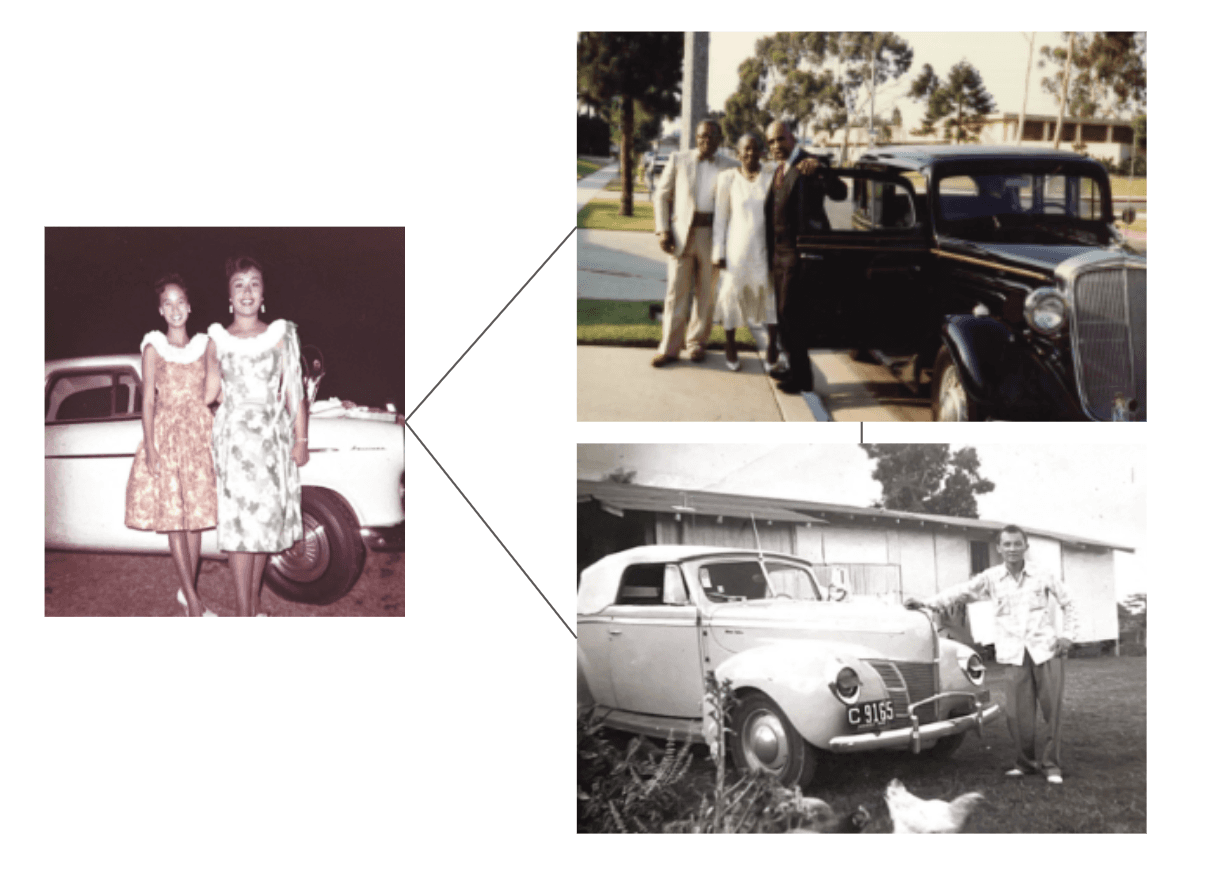
Related images surfaced via embeddings for the Elders Project oral history archive.
Tagging and organizing documents by topic

Topic modeling is a technique that reads across a large set of documents and finds groups of words that tend to appear together. Feed a topic model a large collection of documents, and it will surface recurring topics, revealing your archive’s latent structure. Moreover, it classifies each document by topic.
Pairs well with: Human interpretation, LLM-assisted topic tagging.
Watch out for: Topics are not themes, and they are definitely not concepts. If two documents are discussing the same idea but using different language—as they inevitably will be—a topic model may miss the connection entirely. Some topic models (like BERTopic) make use of embeddings, which mitigates this risk somewhat.
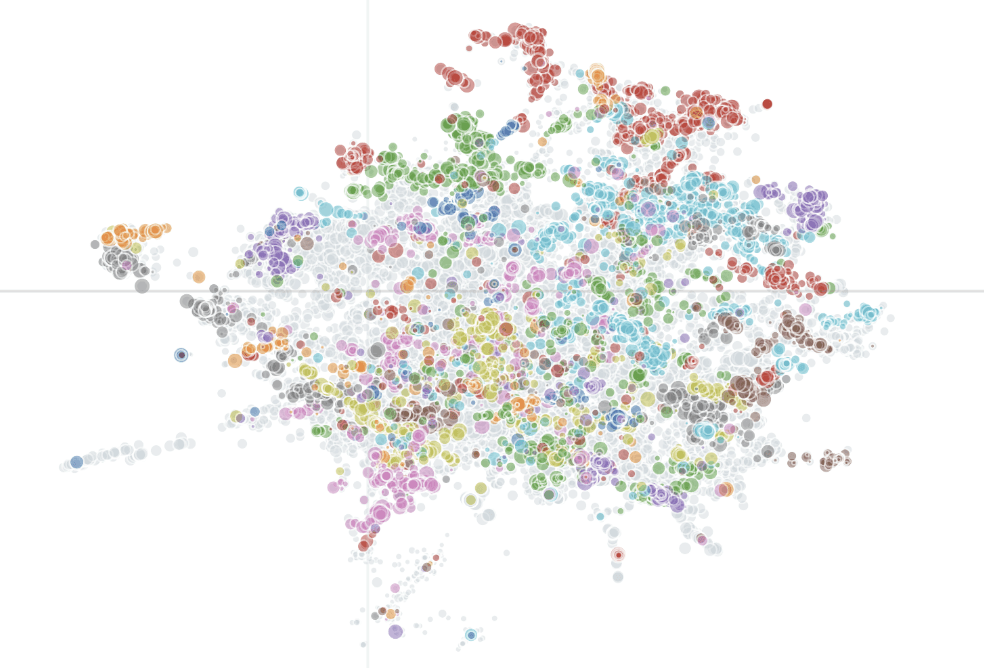
A map of every conversation in the Obama Presidency Oral History archive; proximity indicates similarity in meaning.
Finding references to people, places, or organizations
Named entity recognition (NER) is a technique that reads your documents and pulls out proper nouns: names of people, places, organizations, policies, works of art, and events. It's how you might build an index of every person, place, and organization mentioned across a large collection without reading every document yourself.
Pairs well with: A good spreadsheet, a lot of coffee.
Watch out for: The same person will appear under many names (Senator Warren, Liz Warren, Elizabeth Warren). Someone has to reconcile that list, and that someone is likely you. This technique requires a significant amount of human review.
Read more: Obama Presidency Oral History (case study)
Labeling or describing a large number of things accurately and quickly

This is where an LLM can earn its place in your workflow. LLMs are remarkably good at producing short, accurate descriptions of things: a summary of an interview clip, a label for a photograph, a category tag.
Out of the box they can get the facts right, but without careful instruction, your style, your sensibilities, and community-specific language get overridden. LLM-assisted tags can enhance almost any downstream application, including relational databases, websites, finding aids, and more.
Pairs well with: A detailed style guide, human-written examples, human review.
Watch out for: Accuracy is rarely the problem here. Style, tone, and cultural sensitivity are. An LLM trained for general purposes has not been trained on your archive, your audience, or your values. It needs to be taught.
In action: The Elders Project (case study)
Navigating lengthy video and audio media
Turn your transcripts into navigation tools. Forced alignment is a technique that takes an existing transcript and syncs it to audio or video, word by word. This powers interactive transcripts (where a user can click on a word and jump to that moment in the recording) and produces caption files that meet accessibility standards.
Pairs well with: Named entities and topic tags.
Watch out for: “Accented” speech, poor audio quality, and overlapping speakers can trip up alignment tools. Results usually need some review.
Learn more: Why your digital interview archive isn't accessible—and how to fix it
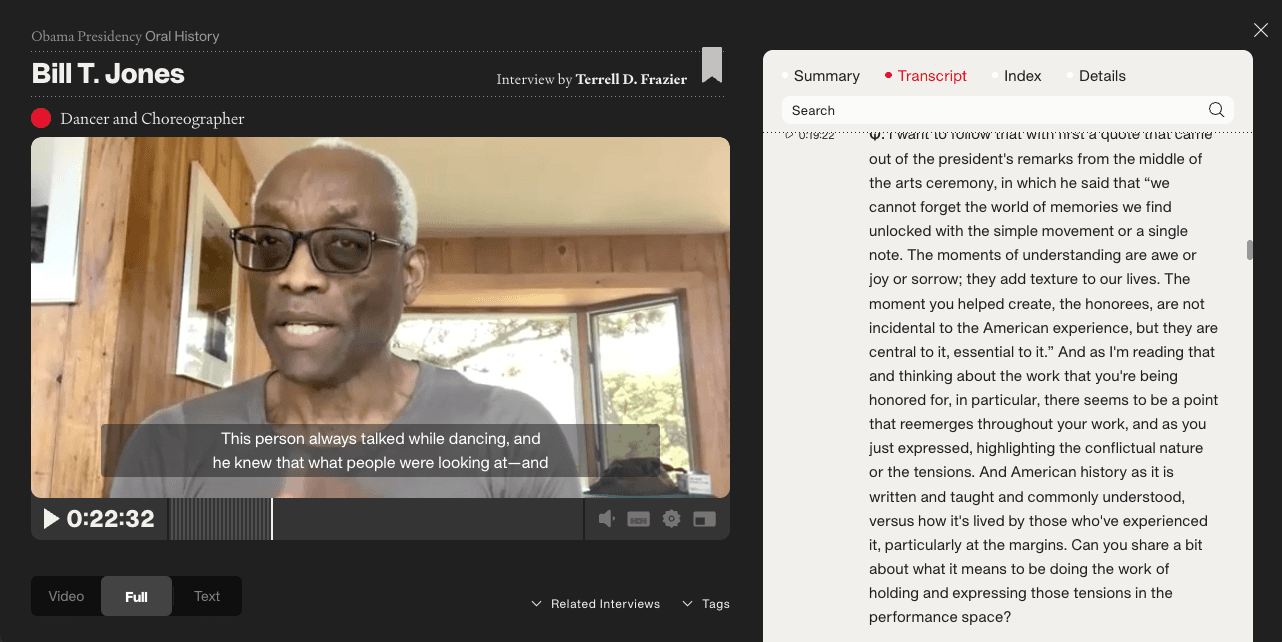
The Obama Presidency Oral History digital archive allows users to navigate video by clicking on an interactive transcript (and vice-versa).
Connecting different media types
Most archives hold more than one type of thing: films, interviews, photographs, documents, correspondences, and miscellanea. Wouldn't it be great if they could all "talk" to each other and be discovered with the same tools? They can!
No single tool on this menu will connect everything on its own, but several can work in combination. Embeddings are one place to start: once your materials are embedded, you can compare across types—a photograph to an interview, a document to a film. Named entities create another kind of structured thread, surfacing every instance where a person, place, or event appears across your collection regardless of format. Topic tags can do the same, grouping materials by topic rather than type alone.
The most useful question to ask is not which tool to use, but what criteria actually matter to your end users (be they internal or external audiences). What would make someone move from a photograph to an interview or from a film to a document? Work backwards from that, and the right combination of methods usually becomes clear.
Read more: Life Stories (case study)
But, before you order!
Success with any of these methods usually rests on two things that tend to get overlooked.
The first is data wrangling: the unglamorous work of getting your materials into a state that machines can read. This usually means sorting data into tables with consistent formats, clean text, and structured metadata. In my experience, data wrangling accounts for roughly 80% of any project. But good data enables everything downstream and makes every tool on this menu work significantly better. Better yet, the aforementioned methods can help you data wrangle more accurately, more efficiently, and with less cost.
The second is critical engagement. Every tool on this menu will produce results that require human judgment to interpret, correct, and apply responsibly. These methods generalize; they carry the biases of the data they were trained on; they were not built with your collection, your community, or your values in mind. Our goal may not be to eliminate these limitations but to work with them knowingly—to maintain what I think of as a healthy distance between computational outputs and curatorial decisions. I’ve developed a framework around this idea, forthcoming in the Oral History Review.
But in the meantime, the most important thing you can bring to any of these tools is a clear sense of what you are trying to accomplish and who you are trying to serve. That part only you can do, but the rest is more solvable than it might seem.
Psst—every week I hold free office hours for nonprofit organizations trying to do more with their archives.
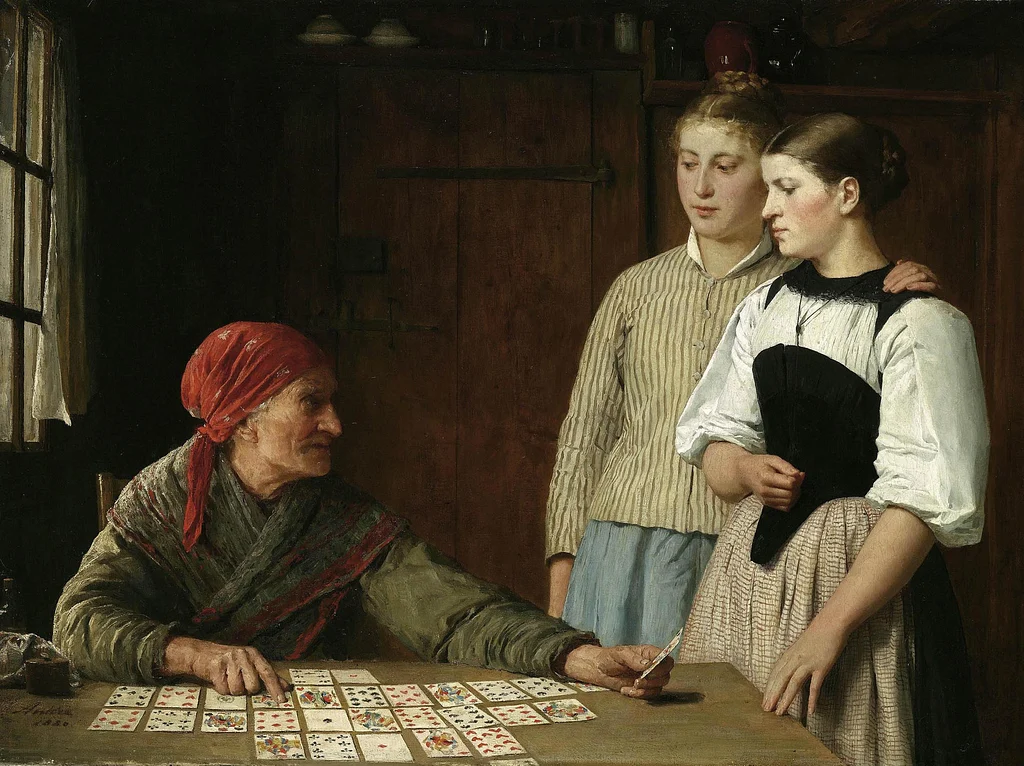
Pictured in header: Fortune Teller by Albert Anker (1910).
Doppelganers pictured with discussion of embeddings from study by François Brunelle.